


Who it’s for
The same arm, three ways to use it.
Students
See kinematics move instead of reading about it. Plan a move in simulation, then watch the real arm repeat it. A real robot for a project or thesis.
Robot arm packageMakers
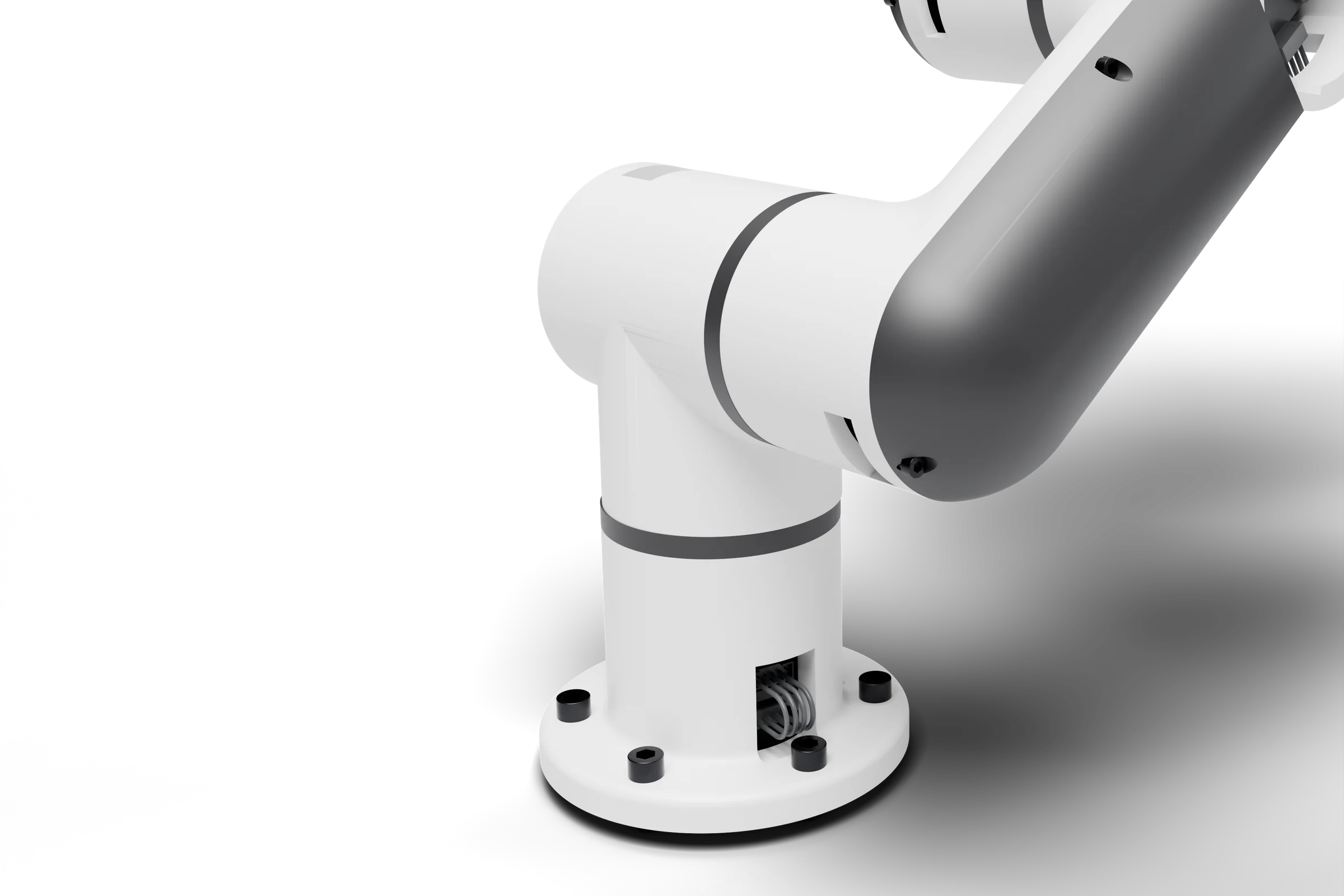
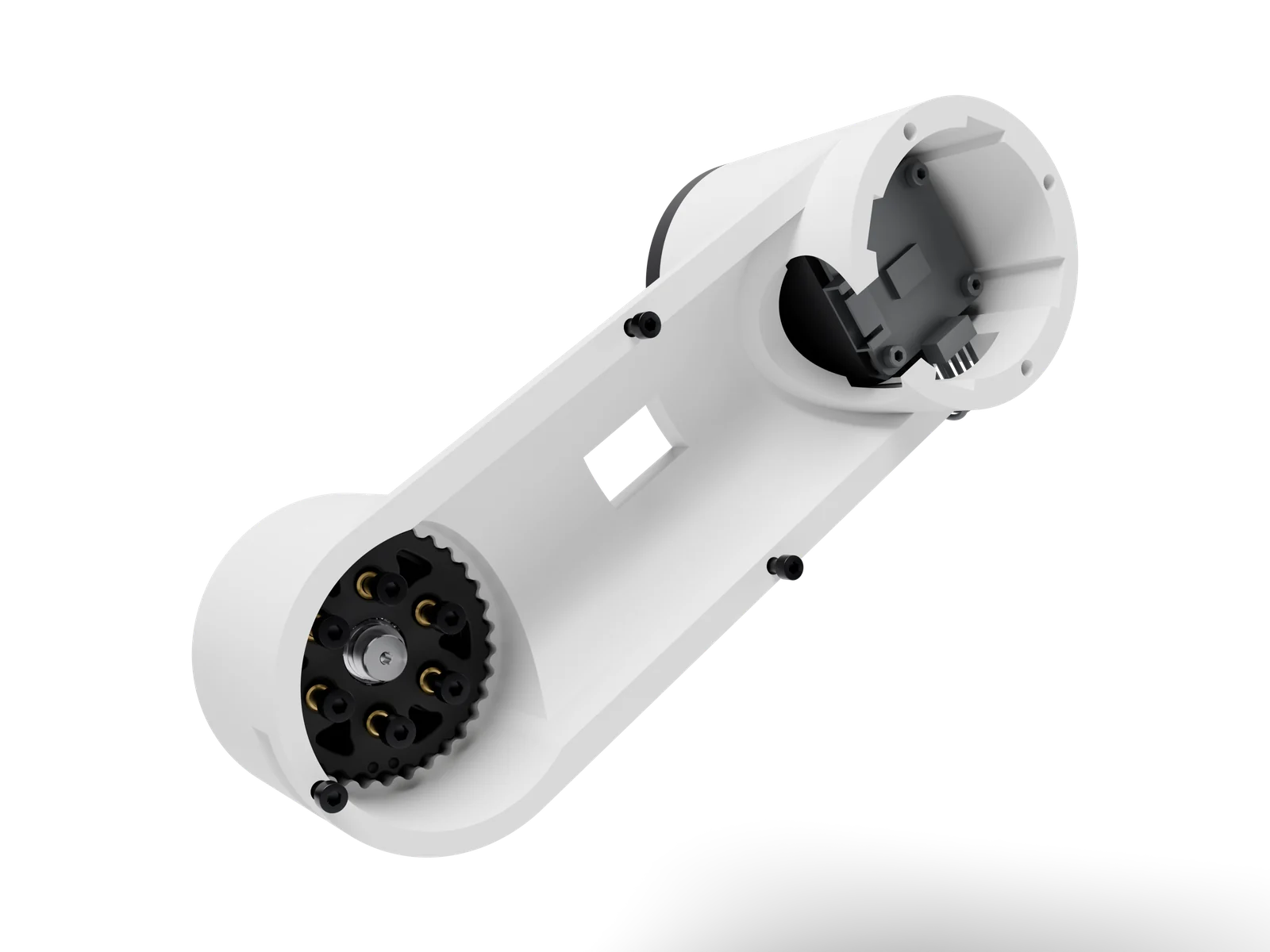
Print the parts on your own printer. Every link is printed, so you can swap or redesign any of them.
Reducer filesClassrooms
Groups plan in simulation while one team runs the arm. A hardware emergency stop cuts motor power.
Reachbotics StudioReachbotics Studio
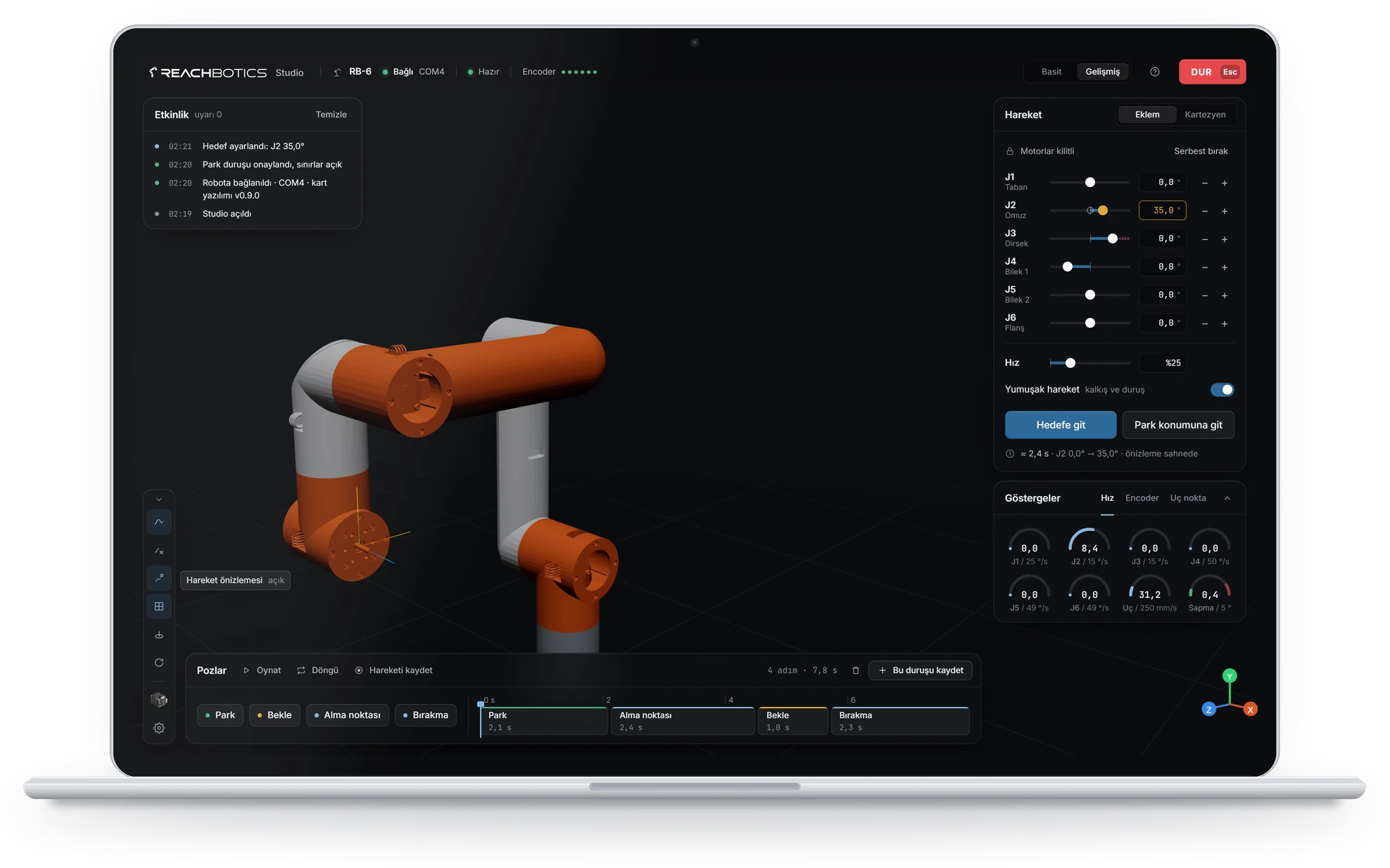
Run the arm from your computer.
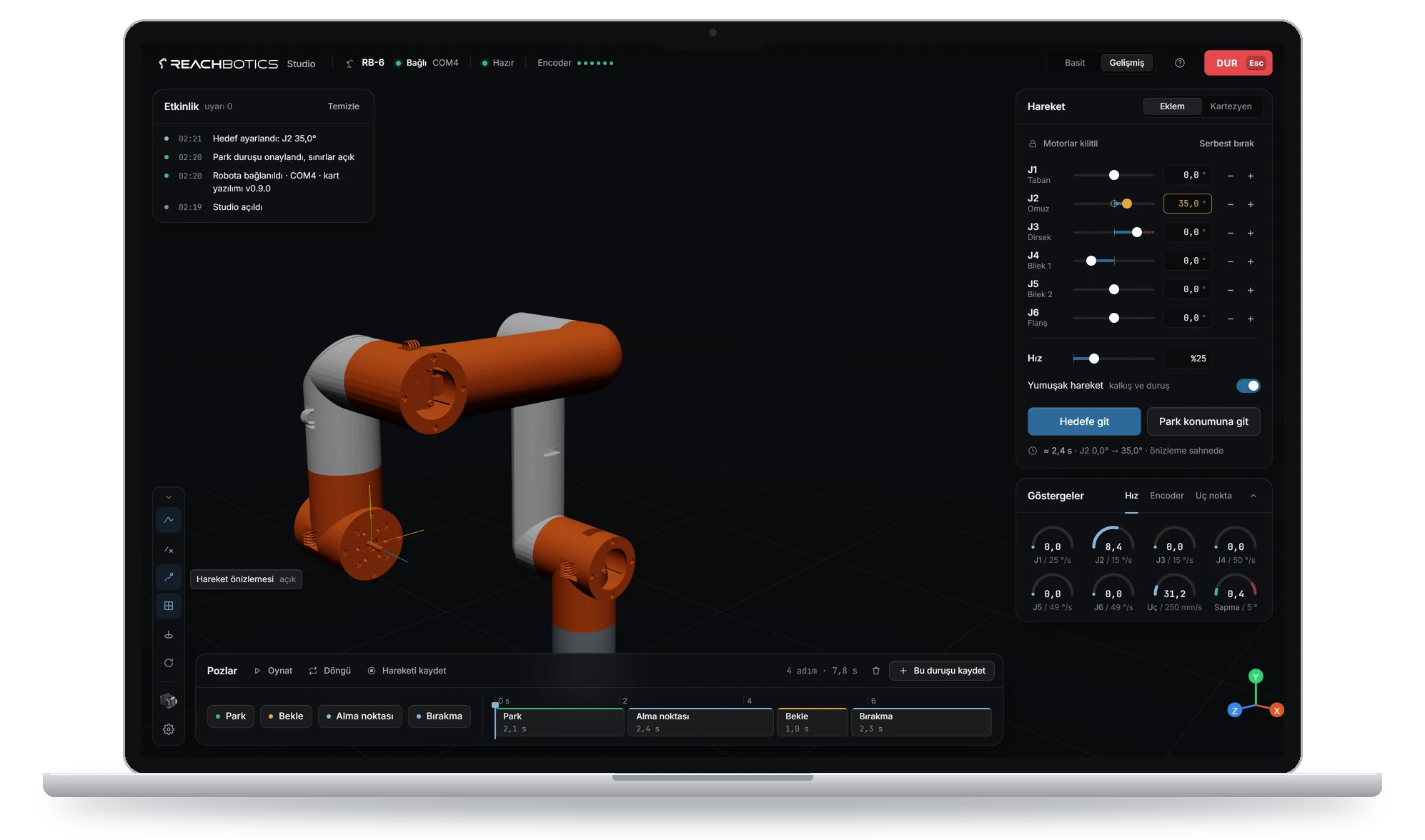
Studio shows the arm in 3D, jogs each joint on its own and sends point-to-point and linear moves. Try the same moves in simulation before your arm arrives.
Getting started
Four steps from files to a working arm.
Each step has a guide. Studio’s simulation lets you try step four before your arm arrives.
Why Reachbotics
Reachbotics at a glance.
Fully printableManufacturing
Every structural part of the arm prints on a desktop 3D printer, with no machining.
5 minReducer assembly
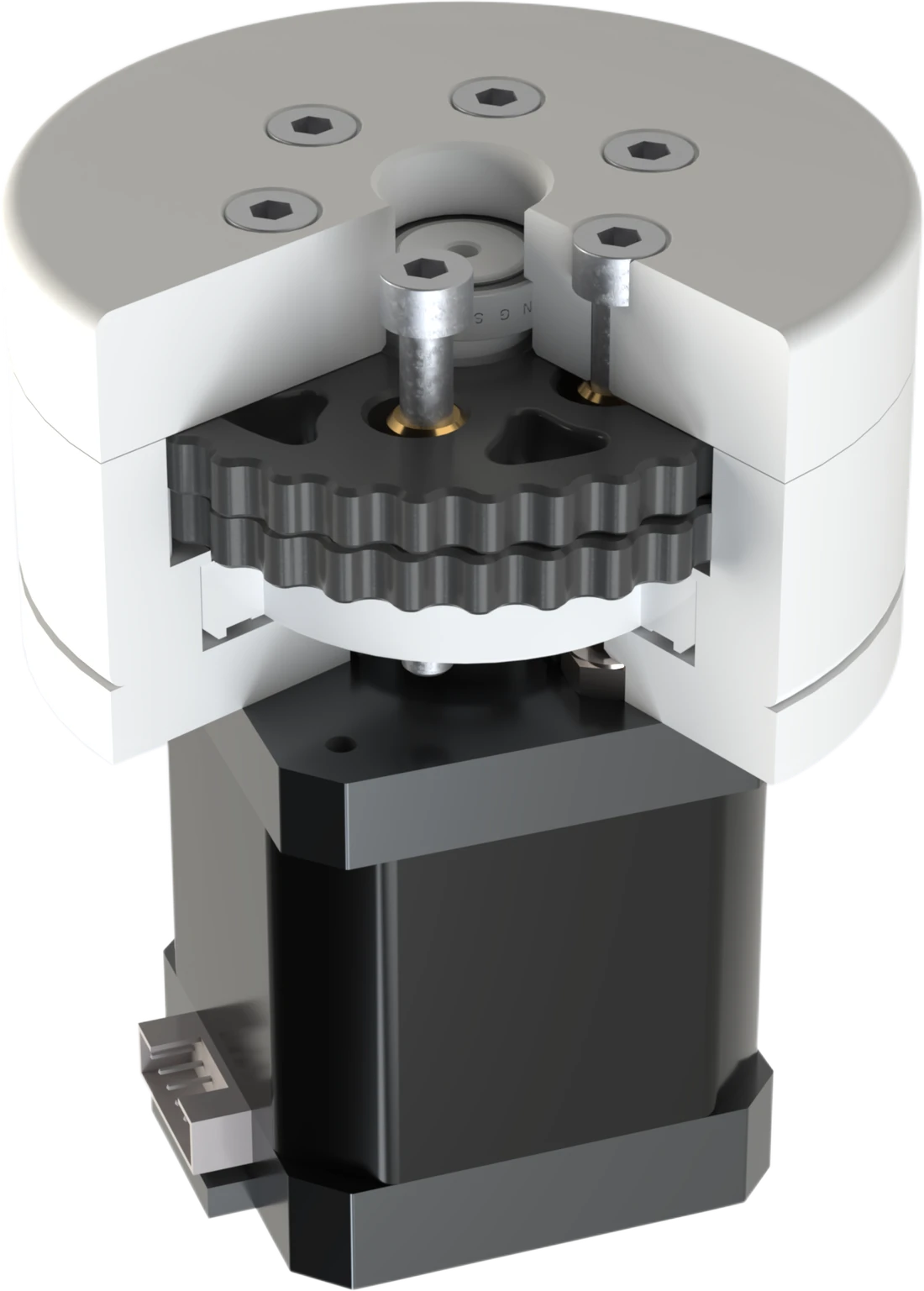
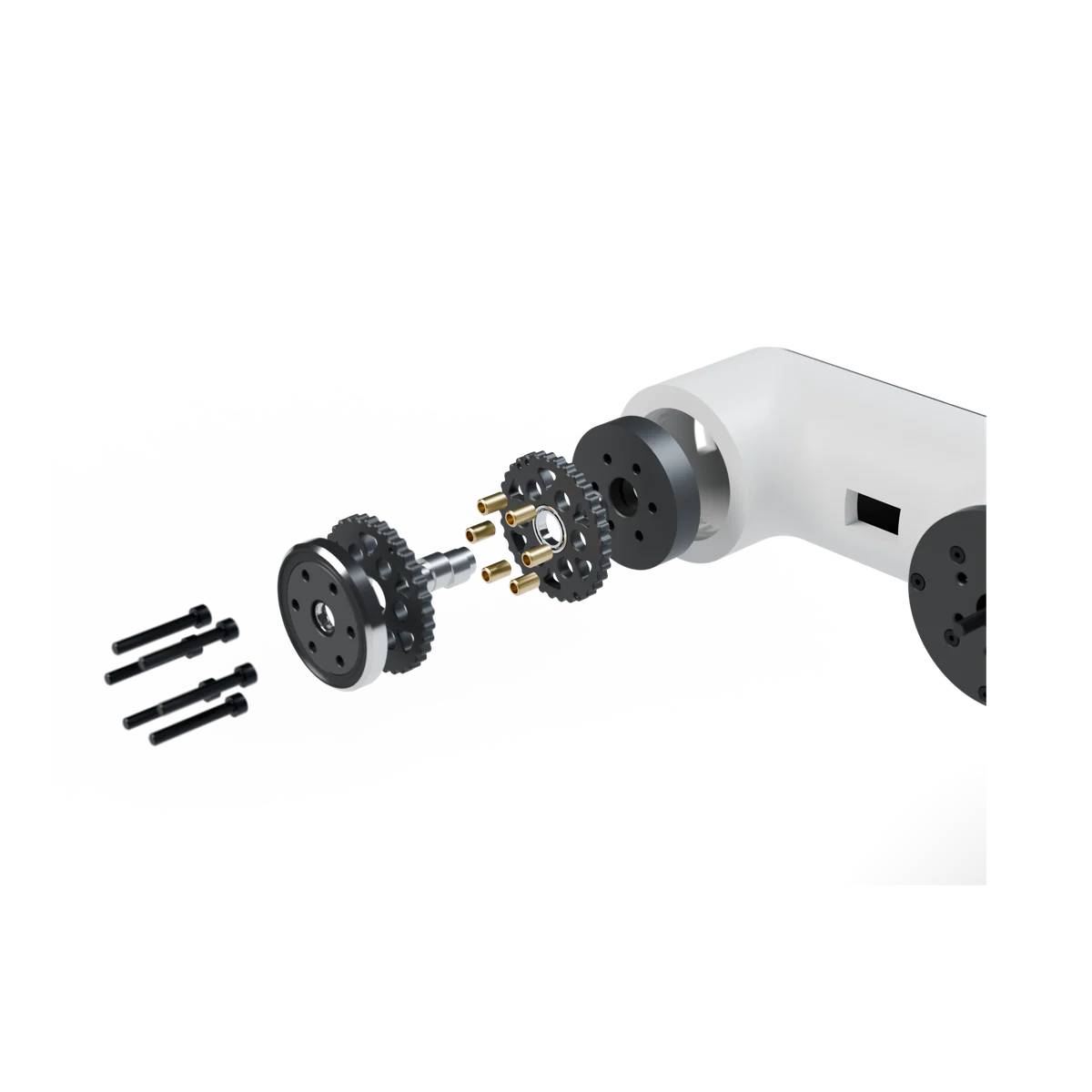
The cycloidal reducer goes together in five minutes; the steps are in the guide.
AffordablePrice
You print the parts on your own printer and build the arm yourself.
6Axes
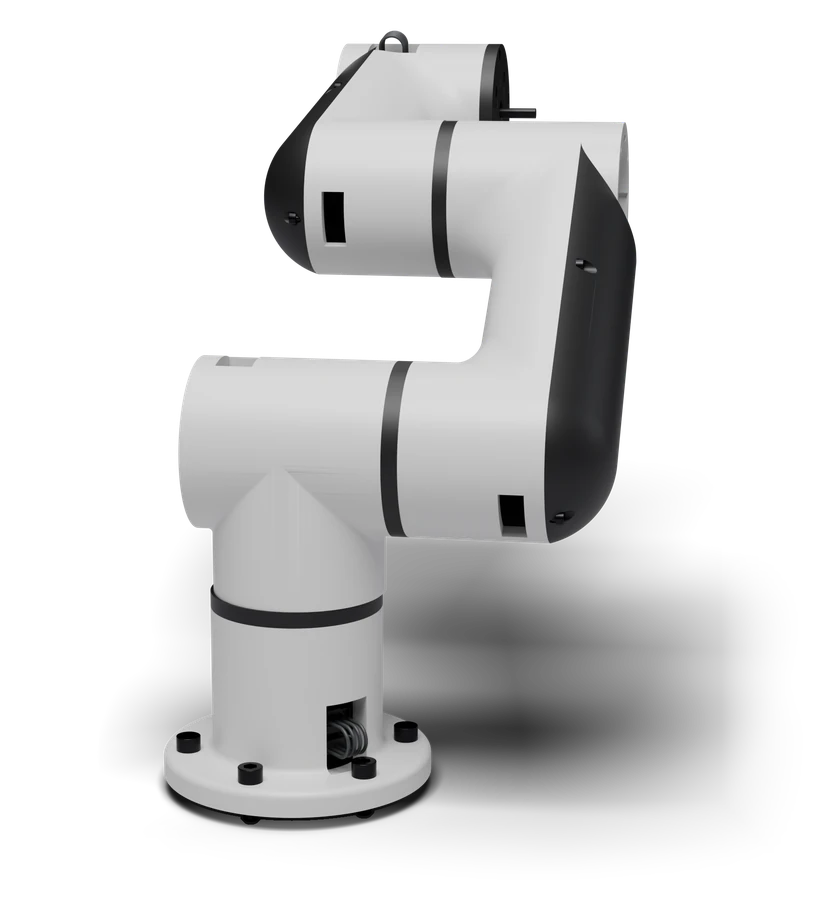
Base, shoulder, elbow and a three-axis wrist, every axis closed-loop.
Notes from the workshop.
Development notes, new files and measured results. At most one email a month.
FAQ
Questions.
Yes. The packages are print files, and you print the parts on a desktop FDM printer. Every part prints in PLA.
Yes. Studio has a built-in simulation, so you can learn the controls and plan moves before the arm arrives.
No. Start by moving joints, saving positions and chaining them into moves.
Windows 10 and 11. It installs like a normal app and keeps itself up to date with signed updates.
We’ll publish reach, payload and repeatability once testing is done. We’d rather show measured numbers than guess.
Our products are in development and not on sale yet. Leave your email to hear when they are ready.